AI-ready infrastructure
 Refer and earn


 Ethereum
 Hyperliquid
 Solana
 Arbitrum
 BNB Smart Chain
 Base
Base Polygon
 TRON
TRON Sui
Sui Robinhood


5 Web3 tools for social apps, messaging, and community actions

Social features in Web3 rarely come from one SDK. A product may need a portable account and social graph, a way to distribute an interactive app, private wallet-to-wallet messaging, timely notifications, or a direct path from an alert to a signed transaction. Those are related jobs, but they are not the same layer.
This guide compares five tools in the Chainstack Marketplace by the product problem each solves. The ordering is a practical build path: shared social identity and distribution first, then direct messaging, then re-engagement and actionable alerts. Choose the smallest combination that gives users a coherent experience.
Match the tool to the interaction
| Product goal | Tool | Best fit |
|---|---|---|
| Give users a reusable account and social presence across compatible apps | Lens Protocol | Lens is a social layer built for onchain culture and communities, with an ecosystem of applications that can use a Lens Account. |
| Build and distribute an interactive app inside a social feed | Farcaster | Farcaster supports Mini Apps and Sign In with Farcaster for social app distribution and user context. |
| Add private, end-to-end encrypted conversation to a wallet-aware product | XMTP | XMTP offers SDKs for decentralized, consent-based, end-to-end encrypted messaging. |
| Notify a wallet user about an event or add Web3-native chat | Push Protocol | Push provides notifications and chat designed around wallet addresses and app integrations. |
| Deliver an alert that can lead directly to an onchain action | Dialect | Dialect combines real-time alerts with blockchain actions and developer-facing integrations. |
1. Lens Protocol
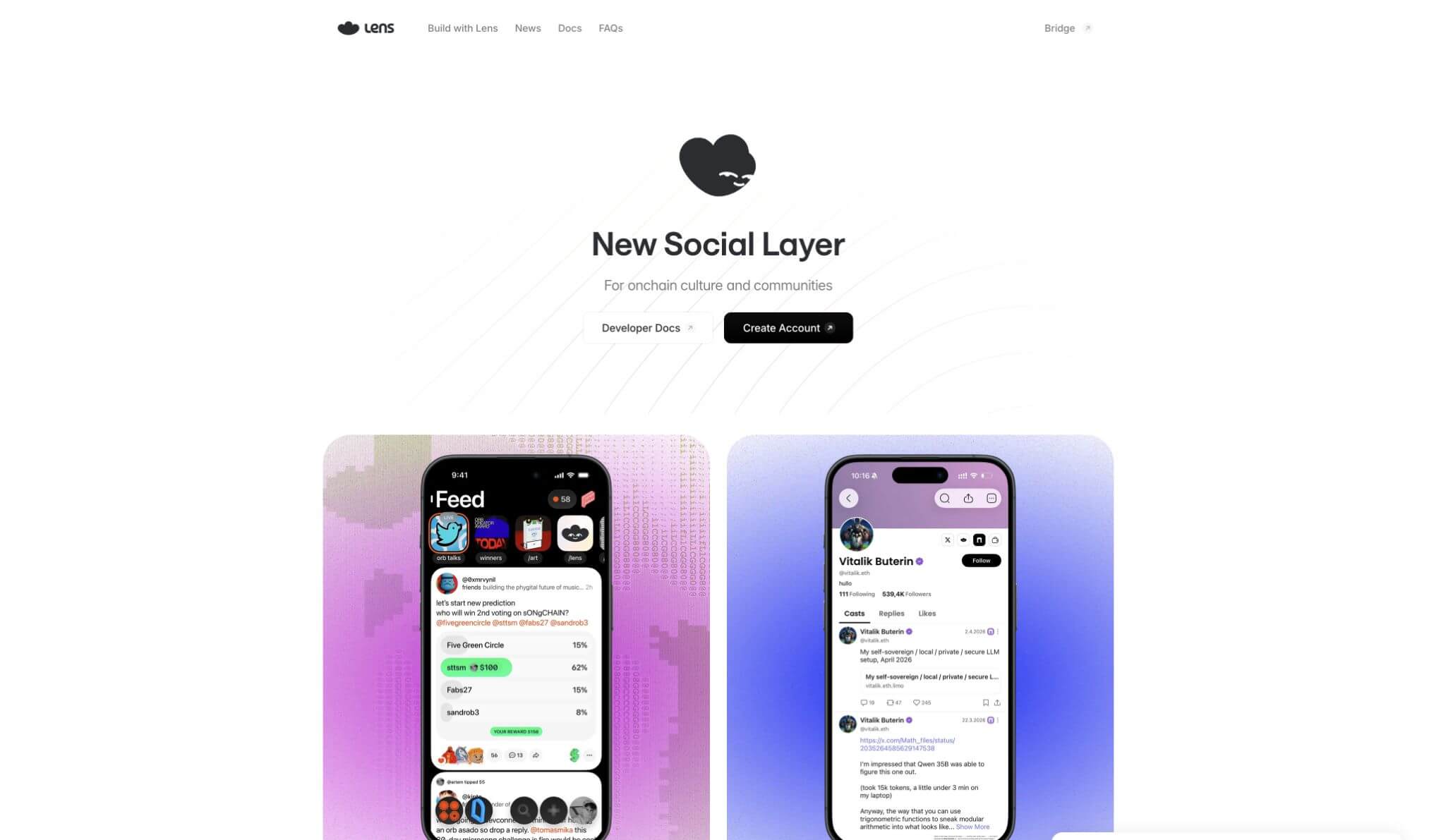
Lens Protocol is a social layer for onchain culture and communities. Its model is useful when a product should participate in a broader social ecosystem rather than make every profile, follow graph, and piece of social context an isolated application record. The Lens site highlights applications that can use the same Lens Account, which is the product-level advantage to examine first.
Choose Lens when a user should be able to carry a recognizable social presence into more than one compatible experience. That can make sense for community clients, creator-facing products, discovery surfaces, social commerce, or an application that benefits from social context being more portable than a single product database.
The tradeoff is that a shared social layer comes with ecosystem decisions. Before committing, define what your application needs from the account, profile, graph, content, and moderation model. Also test the exact user journey in the applications your audience already uses. A portable identity is valuable only when the surrounding user experience makes it legible.
Choose Lens if: the core product needs a shared social identity and community layer that can extend beyond your application.
Think twice if: the feature is only a private support conversation or a one-time transaction alert. A social graph is not automatically the best delivery channel for those jobs.
2. Farcaster
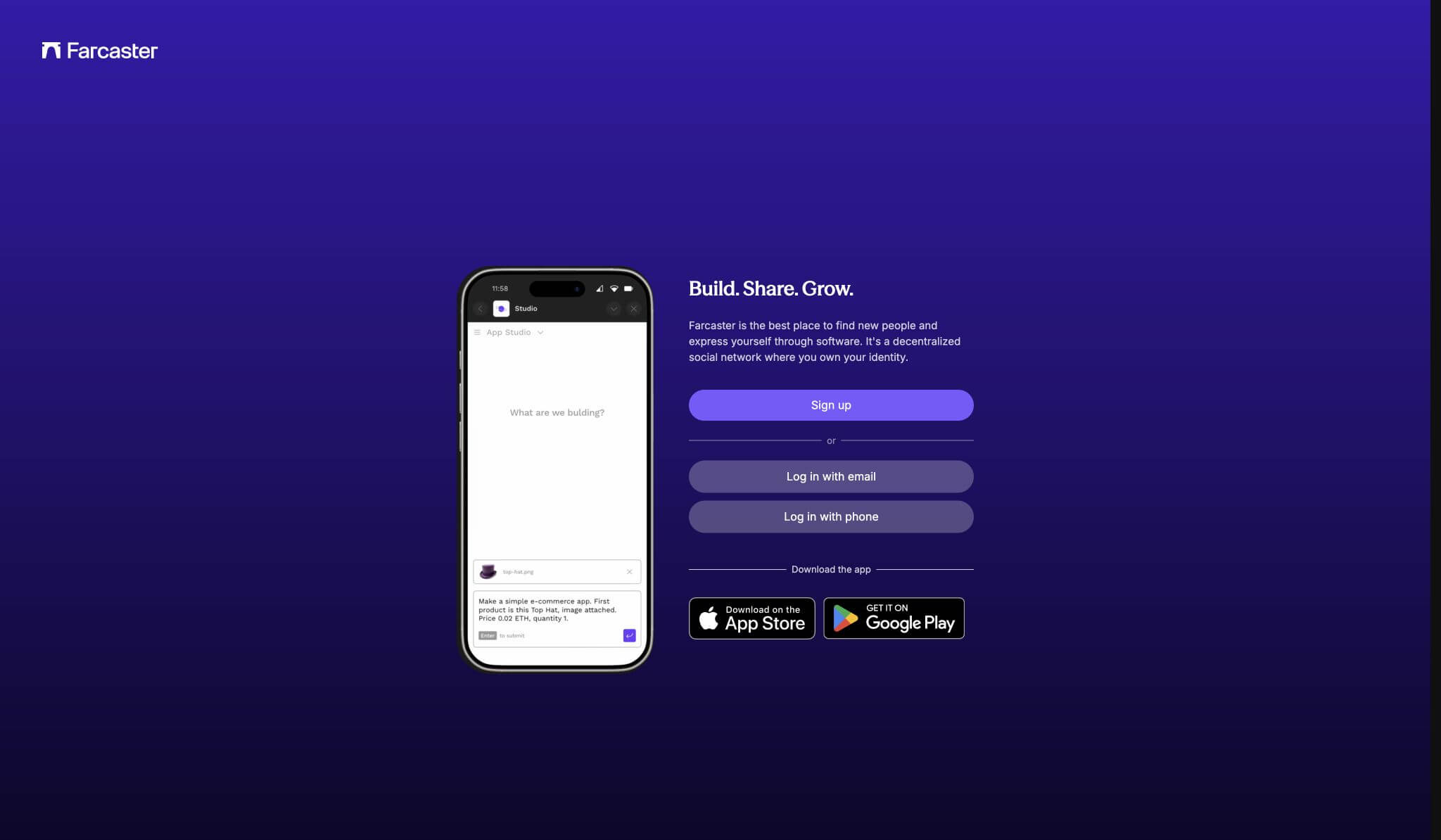
Farcaster is a protocol and developer ecosystem for permissionlessly building and distributing social applications. Its documentation centers on Mini Apps that run inside a Farcaster feed, Sign In with Farcaster, and access to Farcaster social data. That makes it especially relevant when the product needs a compact, interactive experience that users can discover and open in a social context.
Farcaster is not simply an API for posting content. A Mini App can be a focused product surface: claim an onchain reward, join a waitlist, vote, create, mint, play, or bring a useful workflow to an existing social audience. Sign In with Farcaster can add user context where a wallet address alone would be too bare.
The important design rule is to keep the Mini App task narrow. A feed is good for discovery and a single clear action. It is usually not the right place for a dense dashboard, a multi-step administration flow, or a broad consumer product that needs its own information architecture. Give the user a fast, complete interaction, then hand off to a full product surface only when necessary.
Choose Farcaster if: social distribution, Mini Apps, or a Farcaster-aware sign-in flow is central to the user acquisition path.
Think twice if: you need a general-purpose messaging layer or your product cannot make sense without a full-screen workflow. Farcaster can provide distribution and context, but it should not force the product shape.
3. XMTP
XMTP is a decentralized messaging network with end-to-end encrypted messages, built-in consent, flexible identities, and SDKs for browser, Node, mobile, and agent-oriented applications. It is the right comparison point when the product needs a direct conversation that remains private between the intended participants.
For a wallet-aware product, this can be useful for peer-to-peer coordination, customer support that starts from a transaction or wallet relationship, private group flows, a high-signal community channel, or agent communication. XMTP’s consent model is particularly relevant: contact requests and user choice are part of the product rather than an afterthought after spam appears.
Do not treat encrypted messaging as a substitute for a notification strategy. A user may not have opened a conversation, may have disabled a channel, or may need a clear distinction between transactional events and community discussion. Design the inbox, contact request, notification, retention, and moderation paths before the SDK work begins.
Choose XMTP if: private, wallet-aware conversations are a real product primitive, not just a marketing channel.
Think twice if: the message is a broadcast update, an urgent operational alert, or a public social interaction. Those routes usually need a different delivery model.
4. Push Protocol
Push Protocol is a Web3 communication protocol for wallet-addressed notifications and chat. Its notification tooling lets apps, smart contracts, and backends send real-time updates tied to a wallet address, while Push Chat adds messaging with wallet-based identities. The same product can therefore use it for re-engagement and for direct communication when those needs overlap.
Push is a strong fit for events that users should see promptly: a governance proposal, a health-factor warning, a fill, a transaction status, a claimed reward, or an account event. Its notification documentation distinguishes broadcast, targeted, and subset delivery. That distinction should inform your product copy and user controls. A liquidation warning, for example, should never be modeled like a general announcement.
The hard part is notification design, not notification transport. Make events meaningful, let people decide which categories they receive, and keep messages specific enough that a user can tell what happened without opening the app. Avoid sending an alert for every chain event. A small number of high-signal notifications will do more for trust and retention than a busy feed.
Choose Push Protocol if: your application needs wallet-aware notifications, and possibly Web3-native chat, across a communication stack designed for those primitives.
Think twice if: your only need is a custom product inbox with no wallet relationship. A simpler application-owned system may be more appropriate.
5. Dialect
Dialect provides Web3 UX infrastructure for alerts and blockchain actions. Its current developer documentation describes real-time, multi-channel notifications, a universal inbox, event monitoring, and Blinks that can turn a supported URL in an alert into an actionable onchain interaction.
Dialect is particularly useful when an alert should do more than tell the user to return to an application. A DeFi product could notify a user about a risk threshold and present the next action in context. A wallet or trading interface could turn a relevant event into an executable option. The key product principle is that the recommended action must be obvious, proportionate, and safe to review before signing.
This makes Dialect a different choice from a social graph or private-messaging network. It is about reducing the distance between an event and a relevant user action. That can improve an experience that already has clear event semantics. It cannot fix a product that has not decided which events matter or what a user should do next.
Choose Dialect if: your product needs notification infrastructure with rich, potentially actionable paths into onchain workflows.
Think twice if: the alert has no clear next step. Do not create a transaction prompt merely because one is technically possible.
Three stacks that make sense
A social product with its own destination
- Use Lens when portable social identity and community context are part of the product.
- Use Farcaster Mini Apps for discovery and a focused interaction.
- Keep the full product as the destination for workflows that require depth or history.
The social layer becomes an entry point, not a reason to compress the entire product into a feed.
A wallet-aware support and community experience
- Use XMTP for private, user-consented conversations.
- Use Push Protocol for time-sensitive wallet notifications.
- Keep notification preferences and contact consent visible to the user.
This separates the urgent alert from the conversation it may start, which makes both easier to manage.
A DeFi or trading application that needs timely intervention
- Model the important onchain events and the user actions they should trigger.
- Use Dialect or Push Protocol for targeted delivery, depending on whether the flow needs an embedded action.
- Require clear confirmation and show the relevant state before the user signs anything.
An effective alert helps a user make a decision. It should not create pressure or hide the consequence of the transaction.
Questions to answer before shipping
- Is the job public social discovery, a private conversation, a broadcast update, or a time-sensitive personal alert?
- What account or identity context does the user expect to carry across applications?
- What is the consent and anti-spam model for each communication channel?
- Which events deserve immediate delivery, and which can wait in an activity feed?
- Does an alert have one understandable next action, or should it only provide information?
- How will you moderate abuse, handle blocked users, and audit user-facing transaction prompts?
How Chainstack fits into the stack
These tools do not remove the need for reliable blockchain connectivity. Chainstack provides RPC and WebSocket access for the onchain parts of a social or communication experience: reading the contract state behind a wallet action, submitting a transaction, monitoring a confirmation, and subscribing to the events that should drive a product notification.
For example, an application can use Chainstack to watch supported-chain contract events, evaluate its own event policy, and pass only meaningful outcomes to its communication layer. It can also retrieve the latest state before displaying an action from an alert, so a user is not asked to sign against stale information. The social graph, message consent, notification preference, and product policy remain your responsibility.