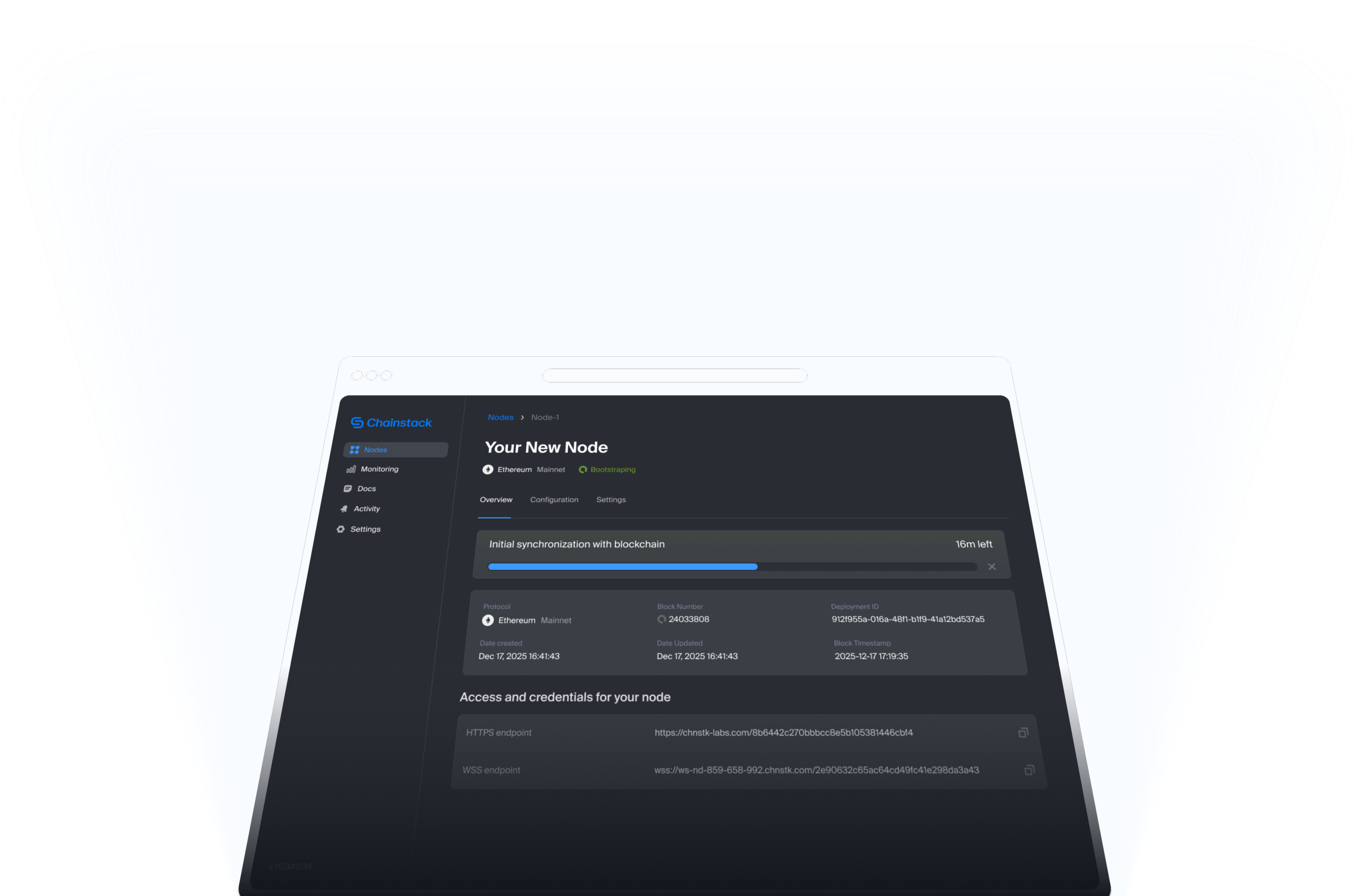
Triển khai thông minh, phù hợp với quy mô, tích hợp khả năng tự phục hồi, cập nhật tự động và chuyển đổi dự phòng trên mọi nền tảng hạ tầng, hỗ trợ tất cả các giao thức chính.
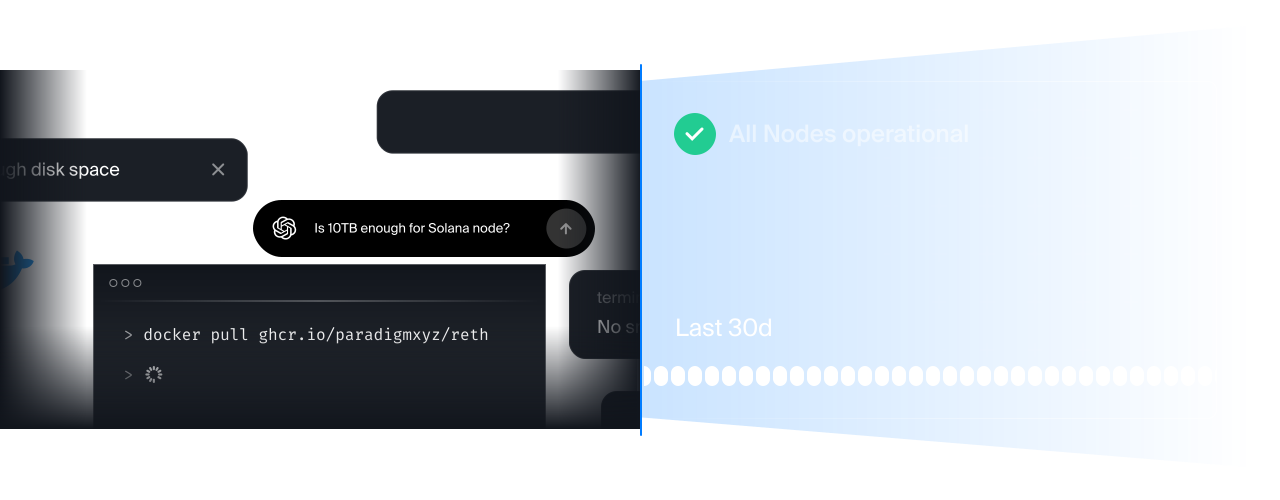
Đảm bảo dịch vụ “ nodes ” luôn sẵn sàng trong quá trình cập nhật và khi xảy ra sự cố. Nhận thông báo khi có bản cập nhật mới và kiểm soát thời điểm áp dụng các bản cập nhật đó. Cấu hình chuyển đổi dự phòng bằng cách sử dụng node phụ, điểm cuối RPC hiệu suất cao Chainstack hoặc một điểm cuối do bạn chỉ định.





Chỉ trong vài phút, bạn có thể khởi chạy một máy chủ self-hosted node bằng cách chọn giao thức, mạng và loại node . Các cấu hình node phù hợp giúp đảm bảo hiệu suất tối ưu, đồng thời các bản sao lưu (snapshots) giúp giảm đáng kể thời gian đồng bộ hóa ban đầu.
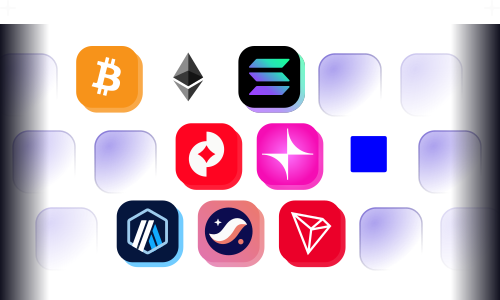





Chọn từ các đối tác hạ tầng đáng tin cậy để triển khai Chainstack Self-Hosted
Triển khai và quản lý self-hosted nodes trên cơ sở hạ tầng do bạn kiểm soát
 Xem hướng dẫn cài đặt
Chainstack mang sức mạnh của sự phi tập trung đến với cộng đồng và hợp tác chặt chẽ với mọi người để cải thiện trải nghiệm tự vận hành qua từng bản cập nhật. Hãy cùng chúng tôi trên hành trình mang công nghệ blockchain đến với mọi người.

 Chính xác là thứ chúng tôi cần
Cách đơn giản để quản lý các địa chỉ ví ( nodes ) trên nhiều chuỗi khối
Hệ thống hạ tầng tích hợp đầy đủ các tính năng bổ sung
Không còn hỗn loạn nữa
Dịch vụ hỗ trợ chuyên nghiệp hàng đầu
Thuận tiện và dễ sử dụng
Thời gian hoạt động liên tục diễn ra suôn sẻ
 4,8/527 đánh giá

| Tính năng | Tự làm | Chainstack Self-Hosted |
| Quyền sở hữu cơ sở hạ tầng | Do người dùng quản lý | Do người dùng quản lý |
| Quy trình triển khai | Cài đặt thủ công và lập trình kịch bản |
|
| Khôi phục sau sự cố | Can thiệp thủ công hoặc sử dụng dụng cụ tùy chỉnh |
|
| Cấu hình chuyển đổi dự phòng | Triển khai tùy chỉnh theo từng cấu hình |
|
| Cập nhật và bảo trì | Nâng cấp thủ công và phối hợp |
|
| Giám sát và cảnh báo | Hệ thống giám sát tự xây dựng |
|
| Thời gian đưa vào sản xuất | Từ vài ngày đến vài tuần |
|














Chainstack Self-Hosted is software for deploying, managing, and monitoring blockchain nodes on infrastructure you control. Run nodes on your own servers or cloud environment, with a web interface, deployment presets, and Kubernetes orchestration. Your team keeps control of the infrastructure and node data.
The Community edition is free. You pay for the servers or cloud resources you use, including storage and networking, directly through your infrastructure provider. Hosting costs depend on the blockchain, network, and capacity you choose. See Chainstack pricing for the current Self-Hosted offering.
Use a compatible Kubernetes environment on bare-metal servers, virtual machines, private cloud, or public cloud. Supported environments include k3s, Amazon EKS, Google GKE, and Azure AKS. You can provision your own infrastructure or choose one of our trusted infrastructure partners.
Prepare a compatible Kubernetes environment, install the Self-Hosted CLI, and deploy the Control Panel. Then use the node creation wizard to choose a blockchain, network, and deployment preset. The wizard configures the clients and starts deployment. Follow the Self-Hosted quick start for the installation steps.
Chainstack Self-Hosted supports full-node deployments for Ethereum, Bitcoin, Solana, Base, BNB Smart Chain, Hyperliquid, and other blockchains. Mainnet, testnet, client, and preset availability varies by protocol. Check the supported deployments for the current networks and configurations.
CPU, RAM, and storage requirements depend on the blockchain, network, and client. Allow resources for the Control Panel as well as each node. NVMe SSD storage is strongly recommended, and some snapshot deployments need additional storage during bootstrap. Use the system requirements to size your environment before ordering hardware.
Yes, provided the server has enough CPU, RAM, storage capacity, and disk performance for the Control Panel and every node. Size for the combined workload, including bootstrap requirements and future chain-data growth. Running several nodes on one server also means they depend on that server’s availability.
Starting a deployment and synchronizing it with the blockchain are separate steps. Snapshot bootstrap can complete in minutes to hours on supported deployments, followed by catch-up to the chain head. Other deployments sync conventionally. The time depends on the network, client, hardware, and connection; a Running status does not by itself mean the node is fully synchronized.
Open the node details in the Control Panel to find its connection endpoints. These initially use internal Kubernetes service addresses. For applications outside the cluster, expose the required service through a LoadBalancer, NodePort, or Ingress and configure access for your environment. See node endpoints and connection details.
Enable the integrated monitoring stack during installation to view node health, sync status, and infrastructure metrics in Grafana dashboards. It uses VictoriaMetrics and Chainstack’s blockchain node exporter. Kubernetes restarts failed pods; if the persistent node data is intact, the node can resume from its previous state. Learn more about Self-Hosted monitoring.
Use the Self-Hosted CLI to upgrade the Control Panel. The upgrade runs preflight checks, backs up configuration values, and presents a plan for confirmation. Running blockchain-node pods continue operating during a Control Panel upgrade. The upgrade guide covers the process and rollback behavior.
Visit the Chainstack help center for support resources, or use the Self-Hosted troubleshooting guide. When reporting an issue, include the software version, affected protocol and network, relevant logs, and steps to reproduce the problem.


 Hạ tầng sẵn sàng cho AI
 Giới thiệu và nhận thưởng


 Ethereum
 Hyperliquid
 Solana
 Arbitrum
 BNB Smart Chain
 Base
 Polygon
 TRON
 Sui
 Robinhood


 Trở thành đối tác đáng tin cậy









 Logic chuyển đổi dự phòng tùy chỉnh