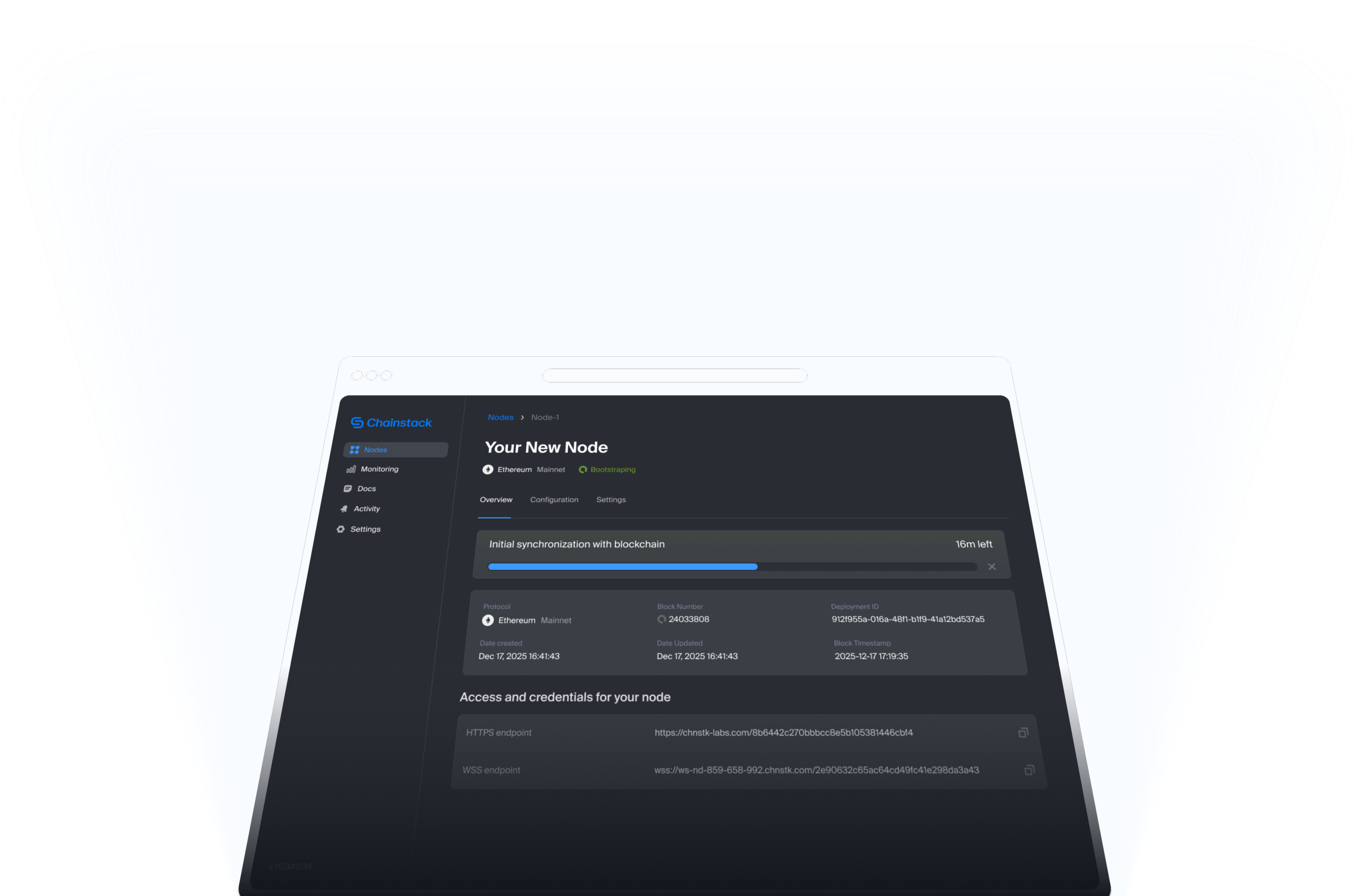
업데이트 및 장애 발생 시에도 nodes 의 가용성을 유지하십시오. 업데이트가 제공되면 알림을 받고, 업데이트 적용 시점을 제어할 수 있습니다. 보조 node, Chainstack 고성능 RPC 엔드포인트 또는 사용자가 지정한 엔드포인트를 사용하여 장애 조치(failover)를 구성하십시오.





프로토콜, 네트워크 및 node 유형을 선택하여 단 몇 분 만에 self-hosted node 을 시작할 수 있습니다. 적정 규모의 node 구성은 최적의 성능을 보장하며, 스냅샷을 사용하면 초기 동기화 시간을 대폭 단축할 수 있습니다.
신뢰할 수 있는 인프라 파트너 중에서 선택하여 운영하십시오 Chainstack Self-Hosted
Chainstack 커뮤니티에 탈중앙화의 힘을 전하고, 사용자와 긴밀히 협력하여 업데이트를 거듭할 때마다 자체 호스팅 환경을 더욱 개선해 Chainstack . 누구나 블록체인을 쉽게 접할 수 있도록 만드는 여정에 함께해 주세요.

 바로 우리가 필요로 하던 것이었어요
체인 간 nodes 를 간편하게 관리하는 방법
모든 부가 기능이 내장된 인프라
더 이상 혼란은 없다
최고 수준의 전문 지원
편리하고 사용하기 쉽습니다
가동 상태는 완벽했습니다
 4.8/527개의 리뷰

| 주요 기능 | 직접 만들기 | Chainstack Self-Hosted |
| 인프라 소유권 | 사용자 관리 | 사용자 관리 |
| 배포 절차 | 수동 설정 및 스크립트 작성 |
|
| 장애 복구 | 수동 개입 또는 맞춤형 공구 |
|
| 장애 조치 구성 | 설정별 맞춤 구현 |
|
| 업데이트 및 유지보수 | 수동 업그레이드 및 조정 |
|
| 모니터링 및 알림 | 자체 구축 모니터링 스택 |
|
| 생산까지 소요되는 시간 | 며칠에서 몇 주 |
|














Chainstack Self-Hosted is software for deploying, managing, and monitoring blockchain nodes on infrastructure you control. Run nodes on your own servers or cloud environment, with a web interface, deployment presets, and Kubernetes orchestration. Your team keeps control of the infrastructure and node data.
The Community edition is free. You pay for the servers or cloud resources you use, including storage and networking, directly through your infrastructure provider. Hosting costs depend on the blockchain, network, and capacity you choose. See Chainstack pricing for the current Self-Hosted offering.
Use a compatible Kubernetes environment on bare-metal servers, virtual machines, private cloud, or public cloud. Supported environments include k3s, Amazon EKS, Google GKE, and Azure AKS. You can provision your own infrastructure or choose one of our trusted infrastructure partners.
Prepare a compatible Kubernetes environment, install the Self-Hosted CLI, and deploy the Control Panel. Then use the node creation wizard to choose a blockchain, network, and deployment preset. The wizard configures the clients and starts deployment. Follow the Self-Hosted quick start for the installation steps.
Chainstack Self-Hosted supports full-node deployments for Ethereum, Bitcoin, Solana, Base, BNB Smart Chain, Hyperliquid, and other blockchains. Mainnet, testnet, client, and preset availability varies by protocol. Check the supported deployments for the current networks and configurations.
CPU, RAM, and storage requirements depend on the blockchain, network, and client. Allow resources for the Control Panel as well as each node. NVMe SSD storage is strongly recommended, and some snapshot deployments need additional storage during bootstrap. Use the system requirements to size your environment before ordering hardware.
Yes, provided the server has enough CPU, RAM, storage capacity, and disk performance for the Control Panel and every node. Size for the combined workload, including bootstrap requirements and future chain-data growth. Running several nodes on one server also means they depend on that server’s availability.
Starting a deployment and synchronizing it with the blockchain are separate steps. Snapshot bootstrap can complete in minutes to hours on supported deployments, followed by catch-up to the chain head. Other deployments sync conventionally. The time depends on the network, client, hardware, and connection; a Running status does not by itself mean the node is fully synchronized.
Open the node details in the Control Panel to find its connection endpoints. These initially use internal Kubernetes service addresses. For applications outside the cluster, expose the required service through a LoadBalancer, NodePort, or Ingress and configure access for your environment. See node endpoints and connection details.
Enable the integrated monitoring stack during installation to view node health, sync status, and infrastructure metrics in Grafana dashboards. It uses VictoriaMetrics and Chainstack’s blockchain node exporter. Kubernetes restarts failed pods; if the persistent node data is intact, the node can resume from its previous state. Learn more about Self-Hosted monitoring.
Use the Self-Hosted CLI to upgrade the Control Panel. The upgrade runs preflight checks, backs up configuration values, and presents a plan for confirmation. Running blockchain-node pods continue operating during a Control Panel upgrade. The upgrade guide covers the process and rollback behavior.
Visit the Chainstack help center for support resources, or use the Self-Hosted troubleshooting guide. When reporting an issue, include the software version, affected protocol and network, relevant logs, and steps to reproduce the problem.


 AI 지원 인프라
 추천하고 보상 받기


 Ethereum
 Hyperliquid
 Solana
 Arbitrum
 BNB Smart Chain
 Base
 Polygon
 TRON
 Sui
 로빈후드


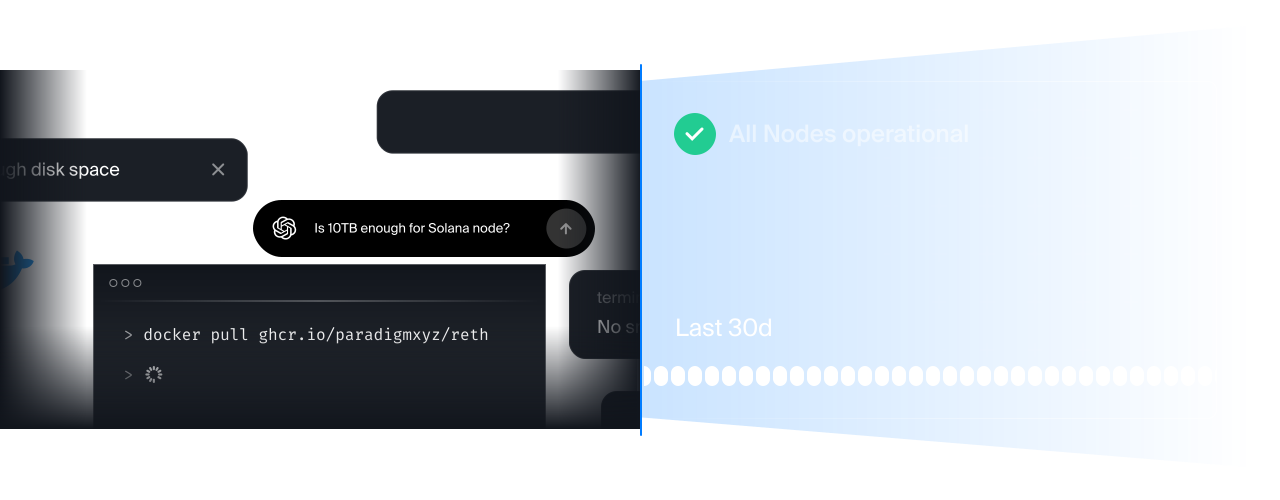






 신뢰할 수 있는 파트너가 되어주세요






 설치 가이드 보기




 사용자 정의 장애 조치 로직